Watch me try your app. See where new users get stuck.
See pricing
Filmed with  FrameOS
What people say about Live Reactions.
these are super valid points and great suggestions.
the single most valuable piece of feedback
I love getting raw feedback like this.
Send your app.
Get your review.
You’re too close to your app to see it fresh. I’m not. Find out how your onboarding and features land with someone seeing them for the first time.
- 01
Send your app link.
Share your App Store or Google Play link, plus test access if your app needs an account.
- 02
I try it cold.
No briefing, just first instincts. I record my screen and my face as I go through onboarding and your main features.
- 03
Get your video and plan.
Watch the full session, then read what works, what’s confusing and what I’d fix first.
See where a new user gets stuck.
Every pause, missed button and wrong turn is on camera. These are the moments your analytics can’t explain and your users rarely tell you about.
Filmed with FrameOS
Know what to change next.
Get the full video plus written feedback on what’s working, what’s confusing and the changes I’d make first. No guessing where to start.
Your Live Reaction
Your next steps.
Keep what works.
The moments that make sense on the first try.
Find the friction.
The screens, wording and steps that cause hesitation.
Choose what to change.
Practical suggestions you can take into your next build.
Hear the first impression, unfiltered.
Watch my face and hear my thoughts as they happen: the surprises, the second guesses and the small wins. It’s the honest first impression a new user won’t write in a review.
Filmed with FrameOS

What people say about Live Reactions.
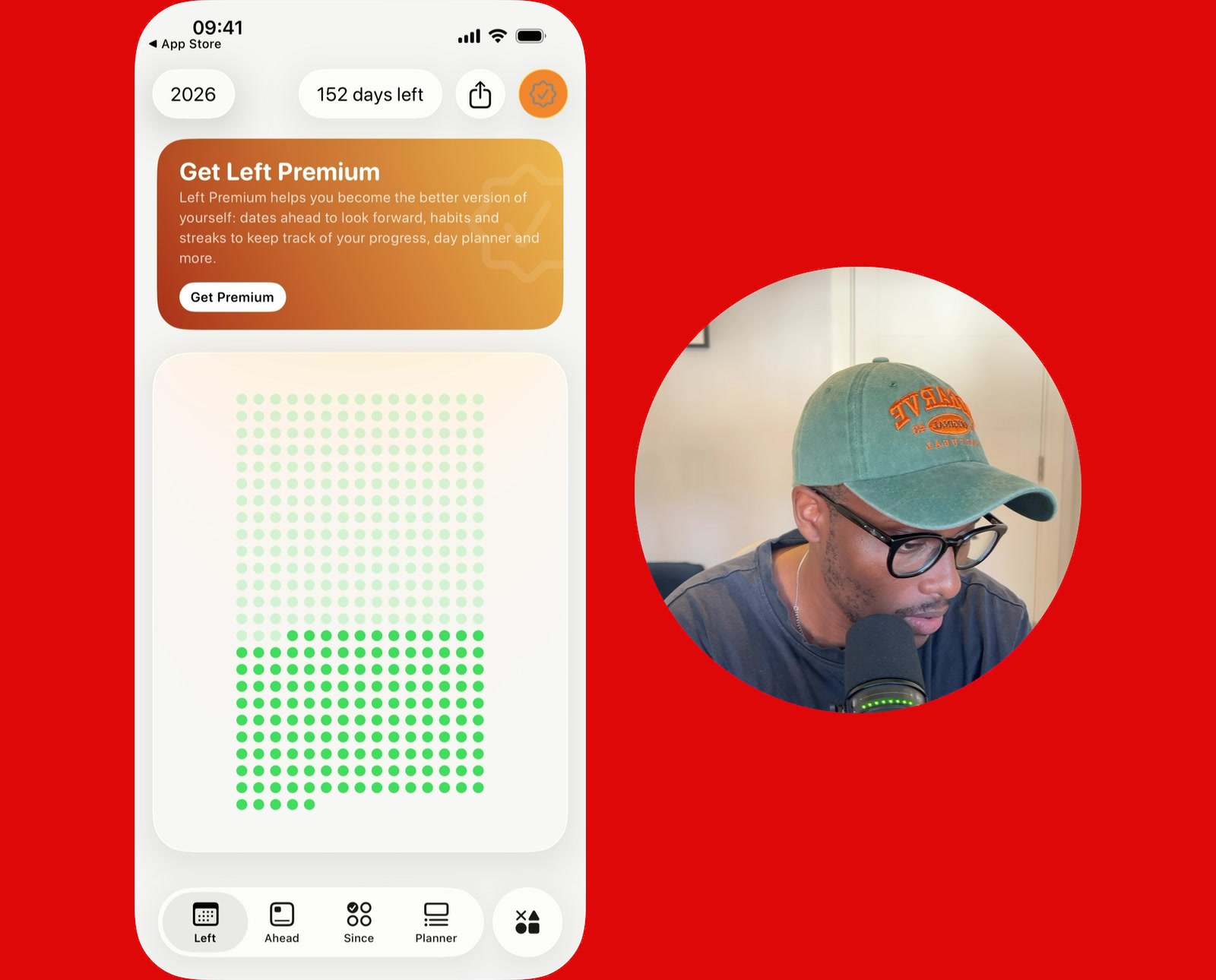
I really appreciate all the feedback, these are super valid points and great suggestions.
 Daniela MuntyanCreator of Biscuit Camera
By far the single most valuable piece of feedback I’ve ever gotten on what I’m building.
 YousrCreator of Cift
Your Live Reaction is really helpful—I love getting raw feedback like this.
 Cristian RusCreator of Left
Recorded with FrameOS.
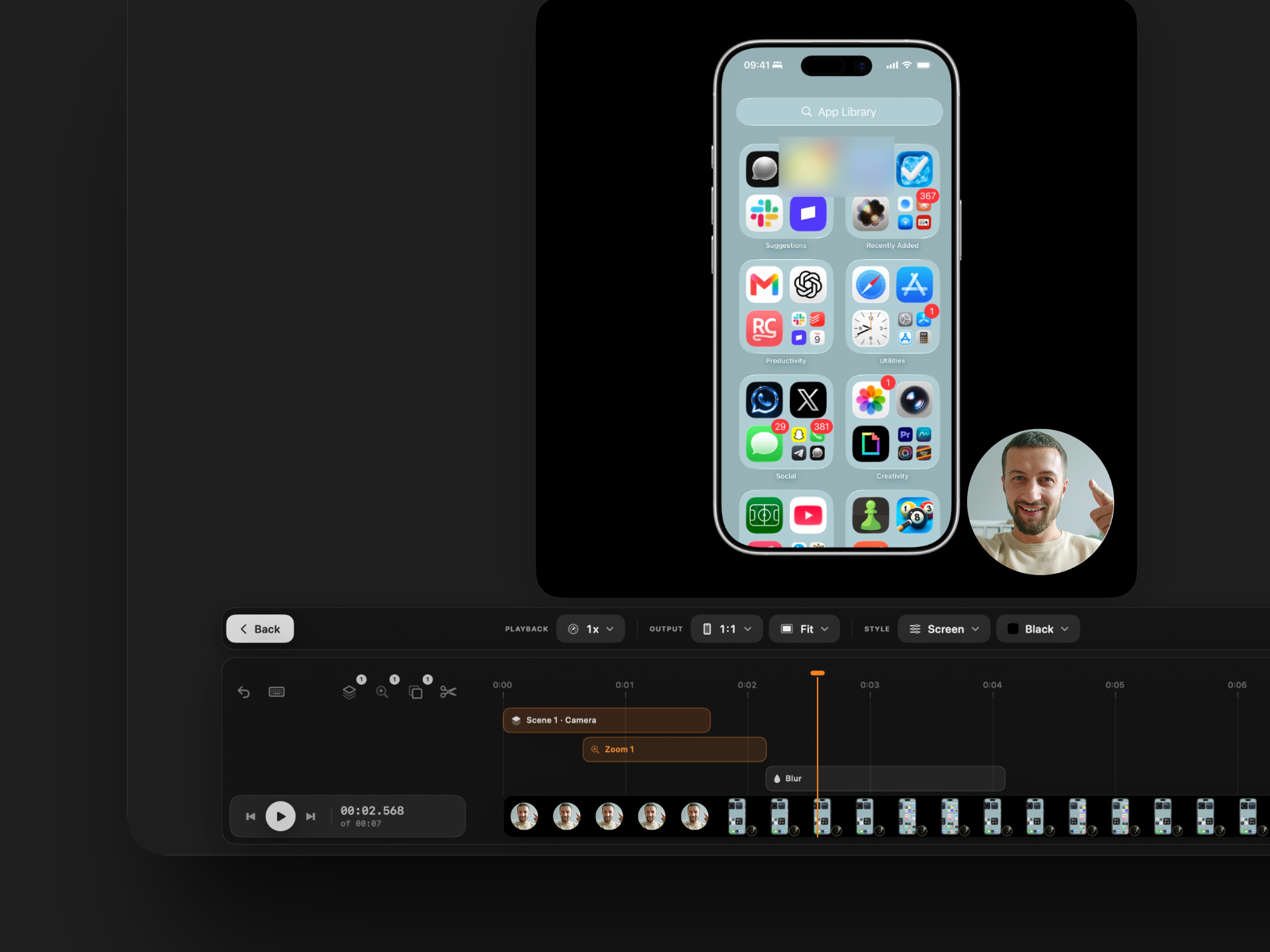
Every Live Reaction is recorded and edited in FrameOS. Want videos like this of your own app? Record your phone screen and camera together and finish the video on your Mac.
Questions aboutLive Reactions.
Have another question?
Ask Paul.
What is a Live Reaction?
It’s a recorded first-time walkthrough of your app by Paul. I download it, go through onboarding and explore the features while saying what I’m thinking. You see what makes sense, where I hesitate and what I try next.
What do I receive?
A private link to the full recording and a written improvement plan covering what works, what’s confusing and what I’d change first.
Do I need to join a call?
No. Send your app link and any test access needed. I use the app without a walkthrough, so you can see how it feels to someone discovering it for the first time.
Does my app need to be published?
Yes. Your app must be live on the App Store or Google Play so I can download it. TestFlight builds and private test releases aren’t accepted. If the published app requires an account, provide test-account access.
When will I hear from you?
I’ll email you to confirm a review date after booking and receiving working app access. Timing depends on my schedule, and I’ll let you know if anything changes.
Will you share my recording publicly?
Your recording is delivered privately. I only publish it or use it in marketing with your explicit permission. The examples above were shared publicly by their builders.
How much does it cost?
It’s $39 USD, paid once for one app review. Your recording, written feedback and prioritised suggestions are included. There’s no subscription.
Can I cancel my booking?
Email paul@tryframeos.com.dev. You can request a full refund at least 24 hours before your scheduled review. See the full terms and conditions for cancellation details.
